Kuro Client
A free Minecraft utility client. 119 modules in one black glass menu that opens on Right Shift.
discord.gg/getkuro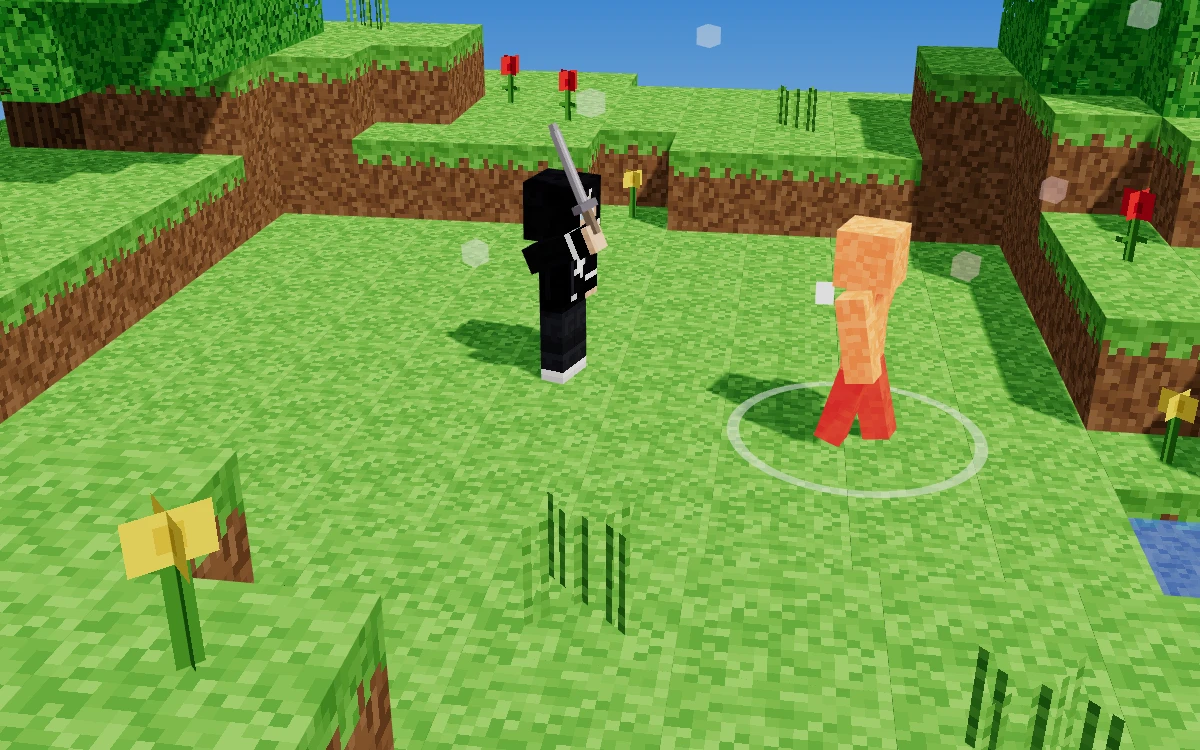
 KURO Glass UI
Categories
All Modules0
Click a card to run it · click the key to rebindAll 119 modules
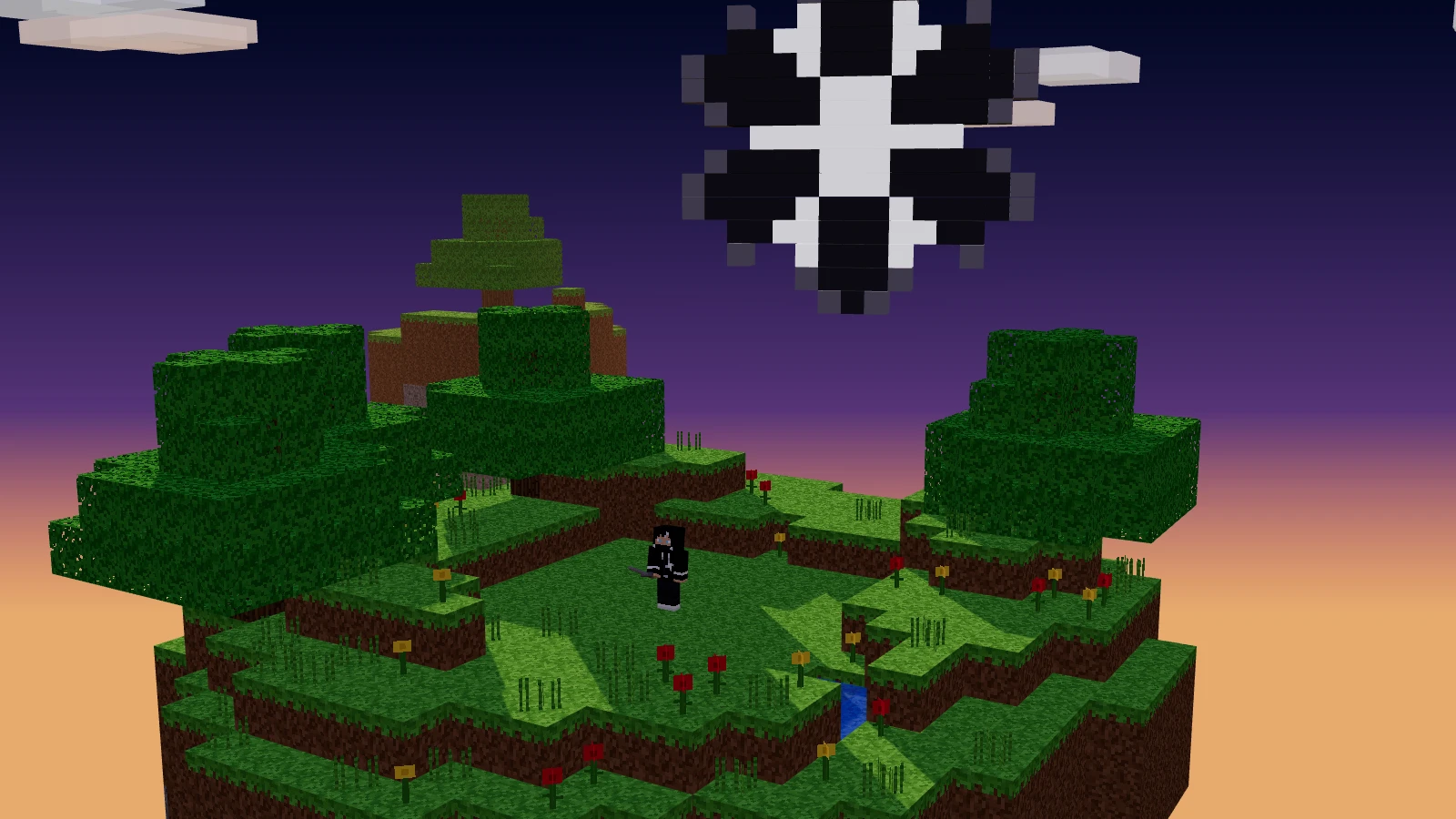
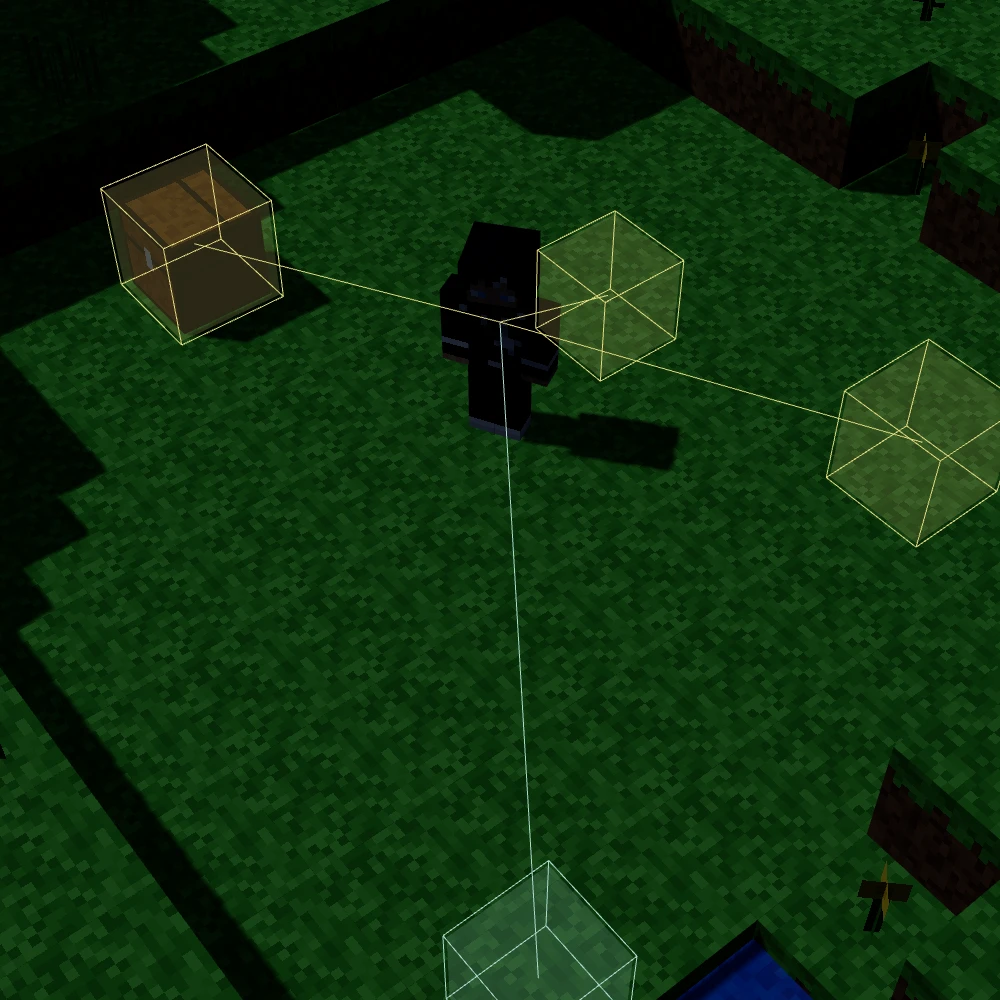
Six groups, each module with its own key. The eight with previews run in the scene above when you pick them.
Every module
No modules match that search.
From invite to in game
Join the Discord
Accept the invite. Every build, changelog and answer is posted there.
Take the latest build
Download kuro-client-1.0.jar from the pinned post in the releases channel.
Drop it in your mods folder
Put the file in .minecraft/mods and start the game.
Press Right Shift
The menu opens over the game. Press / to search the modules.
Get Kuro free on Discord
No price, no key. Open the releases channel and take the latest build.
discord.gg/getkuro Join the Discord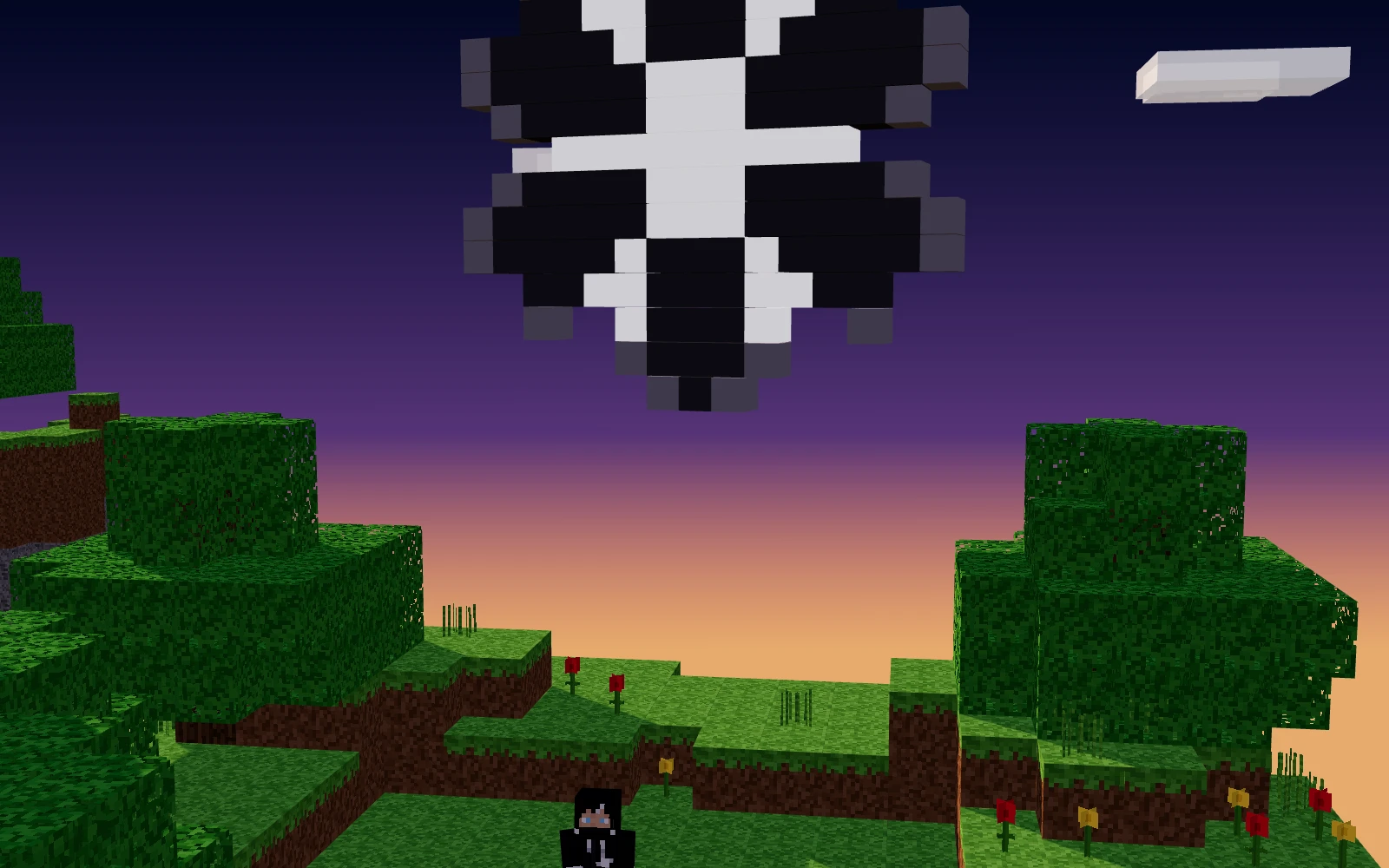
Questions
Is Kuro Client free?
Yes. It costs nothing. Every build is posted in the Discord for anyone who joins.
How do I get it?
Join the Discord at discord.gg/getkuro. The latest build is pinned in the releases channel with its changelog.
Which Minecraft version does it run on?
Each release post names the exact Minecraft version that build supports. Download the one that matches the version you play.
How do I open the menu?
Press Right Shift in game. Inside the menu, press / to jump to the search and filter modules by name.
Can I change the keybinds?
Yes. Every module has its own key. Defaults include R for Silent Aura, V for Auto Mace, G for Auto Anchor, Y for Scaffold, U for Kuro Builder and K for Freecam; most start unbound. Click a key in the menu, then press the new one.
Do my settings save?
Yes. The Config module saves, loads, exports and imports complete client profiles, so you can keep one per server and share them.
Where do I report a bug?
In the Discord’s support channel. Include your Minecraft version, the Kuro build and the module you were using.